
Home / Home Office / Kitchen / Travel
Home Office Buying Guide
Is the Logitech MX Master 3S Worth the Money?
At some point every remote worker looks at the basic mouse on their desk and wonders whether a premium office mouse would actually change the day. The Logitech MX Master 3S is the mouse that usually starts that argument.
The short version: it is worth it for people who use a mouse for hours every day, work across multiple apps or devices, and scroll through long documents, spreadsheets, timelines, or research pages. It is not worth it for casual browsing, competitive gaming, very small hands, or people who want a compact travel mouse.
What you are actually paying for
The scroll wheel is the main event
The MagSpeed wheel switches between precise line-by-line scrolling and free-spinning mode automatically. Scroll slowly and it feels controlled. Flick quickly and it glides through long documents in seconds. If your day includes spreadsheets, code files, PDFs, or research pages, this one feature can remove a surprising amount of friction.
The shape matters after lunch
The MX Master 3S is sculpted for a right-handed palm grip. The thumb rest, angled body, and quiet clicks make it feel less fatiguing than a flat travel mouse during long sessions. The mouse is large and fairly heavy, so it is not for everyone, but it is built for desk work rather than bag carry.
Multi-device control can replace desk clutter
The mouse can pair with up to three devices and switch between them. Logitech Flow can move the cursor between computers and support cross-device copy and paste. If you use a desktop plus a laptop, or a Mac plus a Windows machine, this can matter more than the mouse sensor itself.
Who should buy it?
- Remote workers who use a mouse most of the day.
- Spreadsheet, design, research, writing, and editing users.
- People who work across multiple computers.
- Anyone who wants a quieter, more comfortable desk mouse.
Who should skip it?
- Competitive FPS players who need a lightweight high-polling gaming mouse.
- People with very small hands or fingertip grip habits.
- Travelers who need something tiny for a laptop bag.
- Casual users who only browse and email for short sessions.
Our verdict
The MX Master 3S is not about luxury. It is about removing small repeated annoyances from desk work: extra scrolls, wrist fatigue, noisy clicks, and switching between devices. If those are part of your day, it is one of the easiest home office upgrades to justify.
FAQ
Is the MX Master 3S good for gaming?
No. It is a productivity mouse, not a competitive gaming mouse. Casual games are fine, but FPS players should use a dedicated gaming mouse.
Does it work with Mac?
Yes. It works with macOS over Bluetooth or receiver, and Logitech Options+ supports app-specific customization.
What does the MX Master 3S look like?
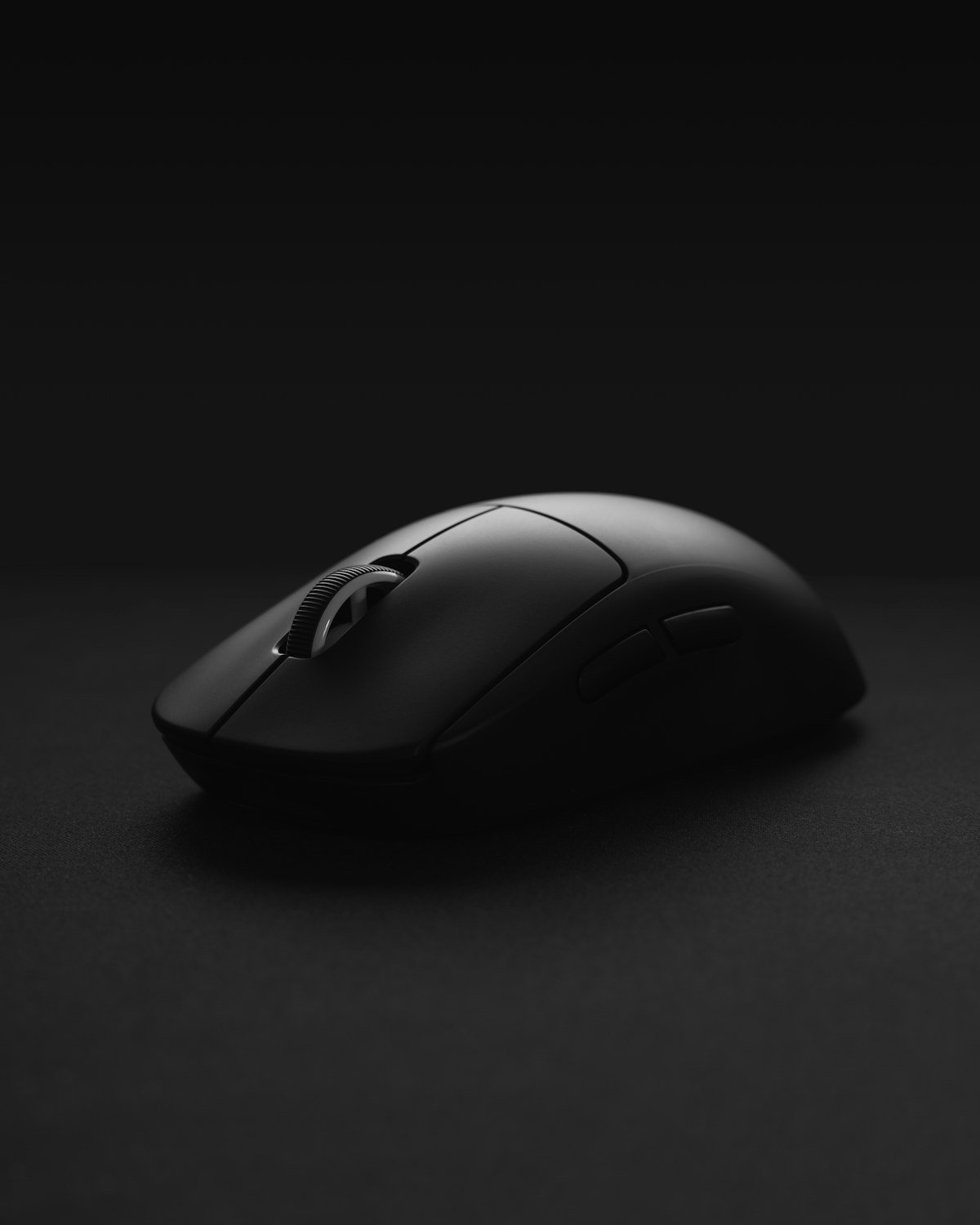
It is a full-size sculpted mouse with a pronounced thumb rest, a top scroll wheel, a side thumb wheel, and a matte gray finish. See current product photos on Amazon.
Can I use it with multiple computers?
Yes. It can pair with up to three devices, and Logitech Flow can support cross-computer cursor movement and copy-paste.
Is there a left-handed version?
No. The MX Master 3S is right-handed only. Left-handed users should look at left-hand vertical mouse options.